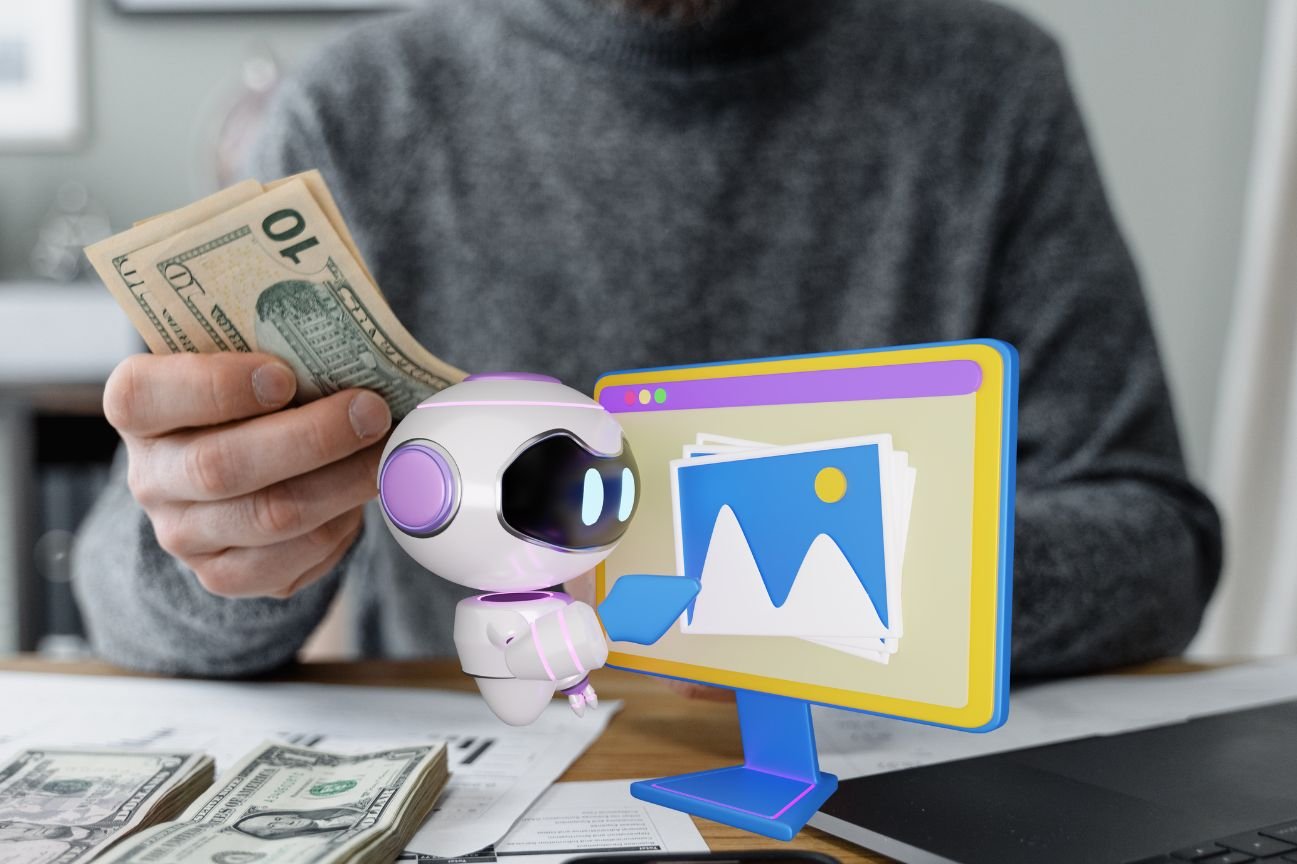
Ever wondered what those mesmerizing AI-generated images are and how people make them? Even more intriguing, how do they make money from them? Well, you’re in for a treat. AI images are becoming the next big thing in the creative world, blending technology with art in fascinating ways. In this article, we’ll dive into how you can create these stunning AI images and turn your hobby into a profitable venture.
Understanding AI Image Creation
Definition of AI Image Creation: AI image creation involves using artificial intelligence to generate, modify, or enhance images. The technology leverages machine learning models, such as Generative Adversarial Networks (GANs), to produce visuals that range from abstract art to photorealistic pictures.
Key Technologies Used: The backbone of AI image creation lies in deep learning and GANs. These technologies enable machines to learn from vast datasets and generate new images based on learned patterns. Think of it as teaching a child to draw by showing them thousands of pictures.
Popular Tools and Software
There are several tools at your disposal, such as:
- DALL-E: Known for its ability to generate highly creative images from textual descriptions.
- MidJourney: A popular choice for artists looking to create unique and artistic visuals.
- Artbreeder: Allows for the blending of different images to create entirely new ones.
Getting Started with AI Image Design
Choosing the Right Software
Selecting the right tool is crucial. If you’re just starting, platforms like Artbreeder and MidJourney are user-friendly and don’t require extensive technical knowledge.
Basic Skills Required
While advanced coding skills aren’t mandatory, a basic understanding of concepts like neural networks and image processing can be beneficial. Familiarity with graphic design principles also helps.
Resources for Learning
To get up to speed, numerous online courses and tutorials are available. Websites like Coursera, Udemy, and YouTube offer valuable content to help you learn at your own pace.
Step-by-Step Guide to Creating AI Images
Conceptualizing Your Image
Start with a clear idea. Whether it’s an abstract concept or a specific scene, having a vision will guide your design process.
Selecting a Tool
Choose a tool that suits your needs. For instance, use DALL-E for creative, text-based prompts or MidJourney for more artistic outputs.
Designing the Image
Input your concepts and let the AI generate initial drafts. Don’t hesitate to experiment with different inputs to see varied results.
Refining and Editing
Once you have a base image, use editing tools to refine and perfect your creation. Tools like Photoshop can help enhance details and add finishing touches.